PDF scanner for iPhone & Android
Paper to a clean PDF, before the deadline.
Scanpaper finds the page edges, straightens it and strips the shadows. Search the text inside, sign, and send. No account, nothing uploaded.


On a computer right now?
Free PDF tools that run in your browser. Nothing is uploaded, nothing to sign up for.
- Photo to PDF JPG, PNG, WebP or iPhone HEIC photos into one PDF.
- HEIC to PDF iPhone HEIC photos into one PDF that opens anywhere.
- Merge PDF Combine several PDFs into one file, in the order you choose.
- Split PDF Pull pages out into a new PDF, or split every page into its own file.
- Compress PDF Shrink a scanned PDF so it fits an email or upload limit.
- Image to Text (OCR) Copy the printed text out of a photo or screenshot.
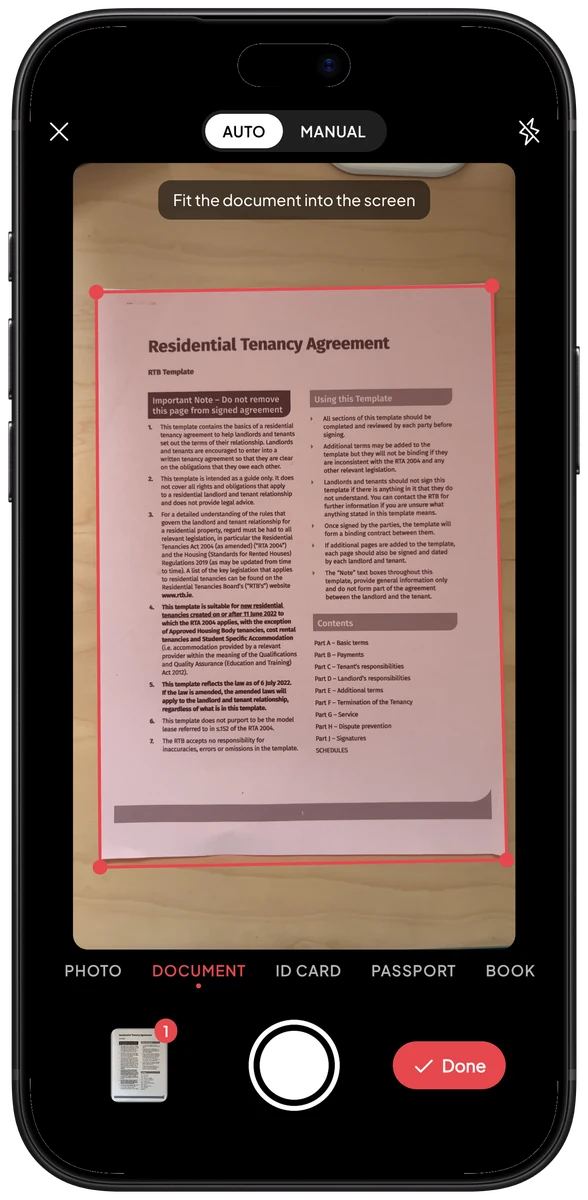
Scan
Point at the page. Scanpaper finds the edges.
The outline locks onto the paper live and the shot fires by itself when the page holds still. Photo, Document, ID card, Passport and Book modes sit under the shutter.
How it works →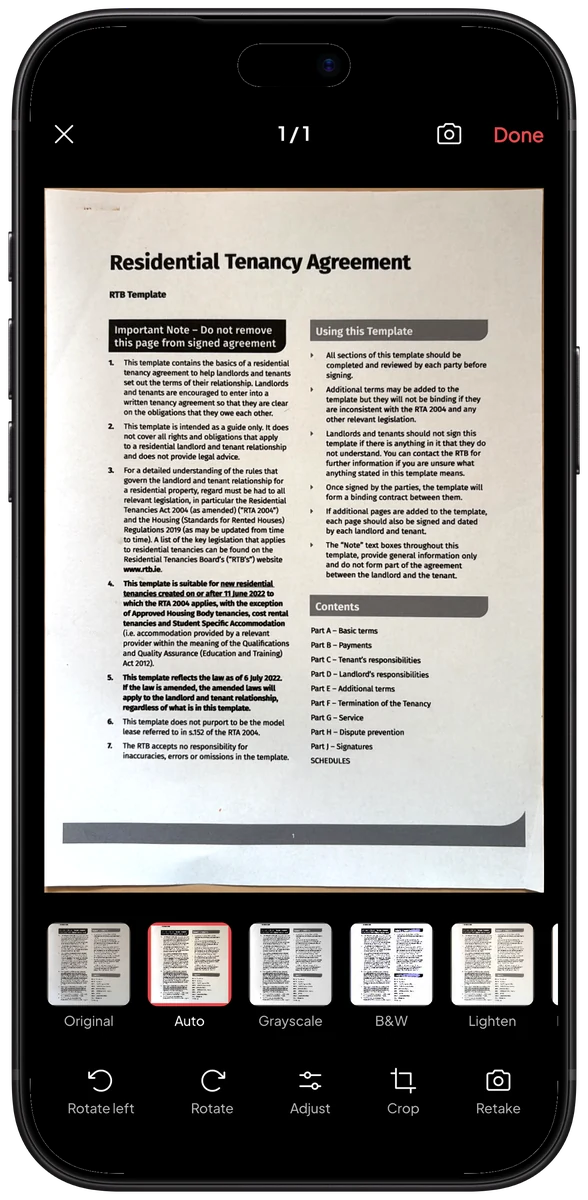
Clean up
Shadows out, paper white, text sharp.
Pick Auto, Grayscale, B&W, Lighten or No Shadow from a strip of live thumbnails. Rotate, crop or retake a page before you save.
How it works →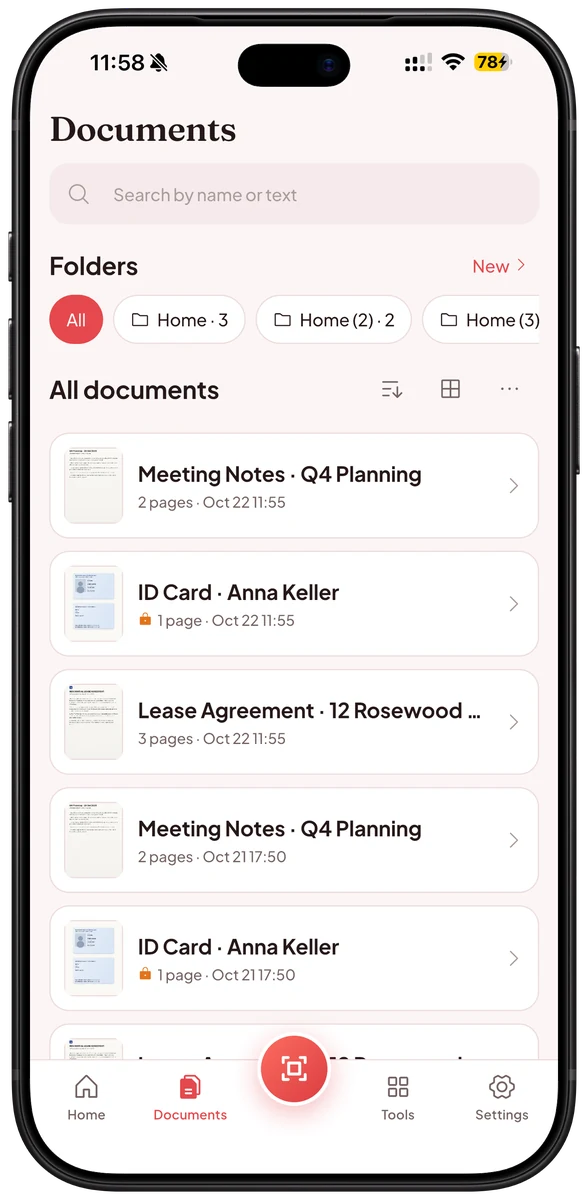
Find
Search for the words inside your scans.
Text recognition (Pro) runs on the phone, offline. Type a word you remember from the lease and the lease comes up. Exported PDFs keep the text searchable.
How it works →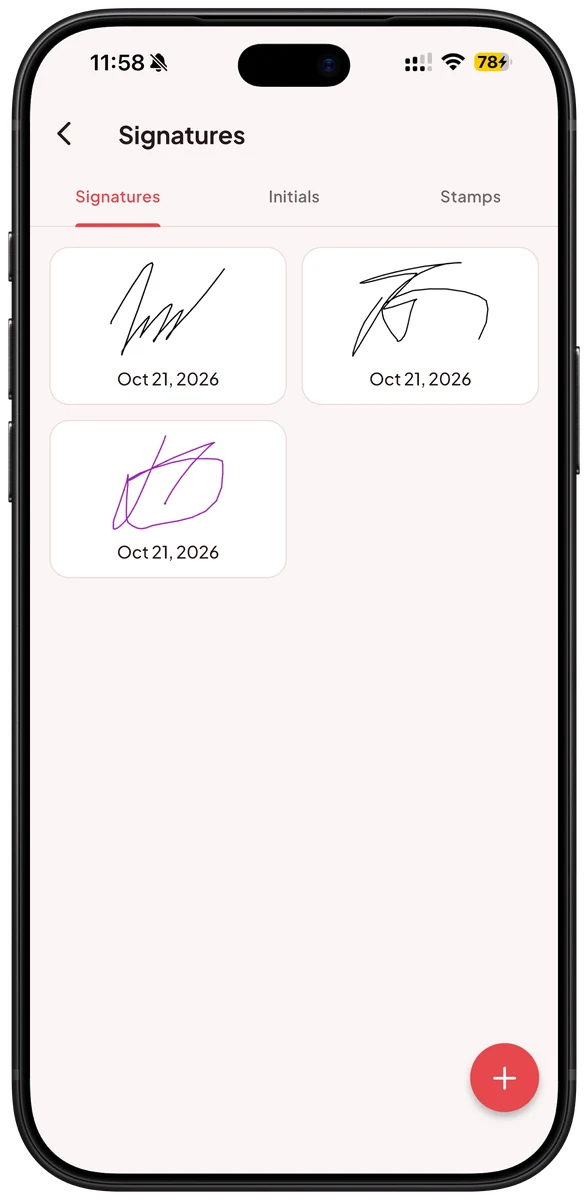
Sign
Draw your signature once. Place it on any page.
Keep signatures, initials and stamps in one library, drop them onto the page and resize. Then share the signed PDF from the same screen.
How it works →Free
- Scan with auto edges and filters
- Up to 3 documents, unlimited pages
- Sign with one saved signature
- Merge, split, reorder, folders
- Share and print PDFs, export JPG
- Small "Scanned with Scanpaper" line on exports
Pro free trial
- Unlimited documents, no footer
- Text recognition, search, searchable PDF
- ID card, Passport and Book modes
- Compress for email, PDF passwords
- App lock with Face ID
- Unlimited signatures and stamps
Private by design
No account. No cloud. Text recognition runs on the phone. Your passport copy stays on your phone until you decide to send it.
Passwords and app lock →From the blog
All posts →-
 How to Scan a Signed Contract and Send It Scan a signed contract on iPhone or Android, merge all pages into one PDF, compress for email, and send. Step-by-step with native tools and Scanpaper.
-
 How to Copy Text from a Picture Copy text from a picture on iPhone using Live Text, on Android with Google Lens, or from a scanned document using OCR. Step-by-step guide.
-
 How to Scan a Printed Document on Your Phone How to scan a printed document or hard copy on iPhone and Android. Steps for Notes, Files, Google Drive, plus OCR to make printed text searchable.
-
 How to Digitize Documents at Home Learn how to digitize documents at home using your iPhone or Android. Scan, name, organize, and search your files with no scanner hardware needed.
-
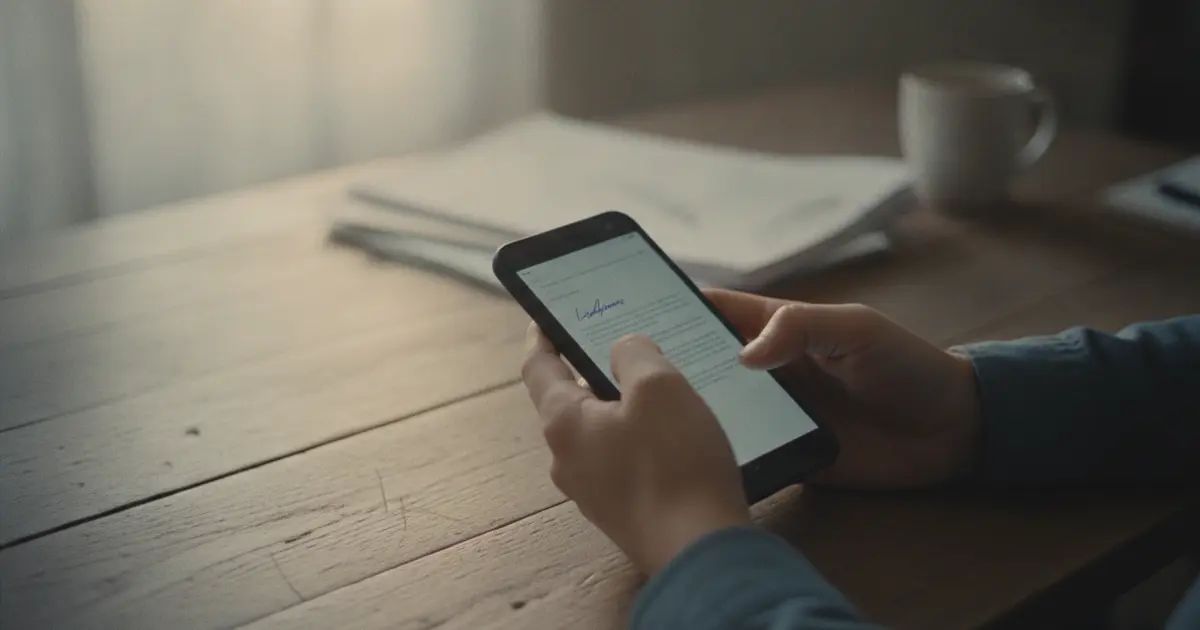 How to Edit a PDF on Android: What Works on Your Phone Edit a PDF on Android with Google Drive, Files by Google, or Scanpaper: annotate, sign, reorder pages, and compress. Free methods, no account needed.
-
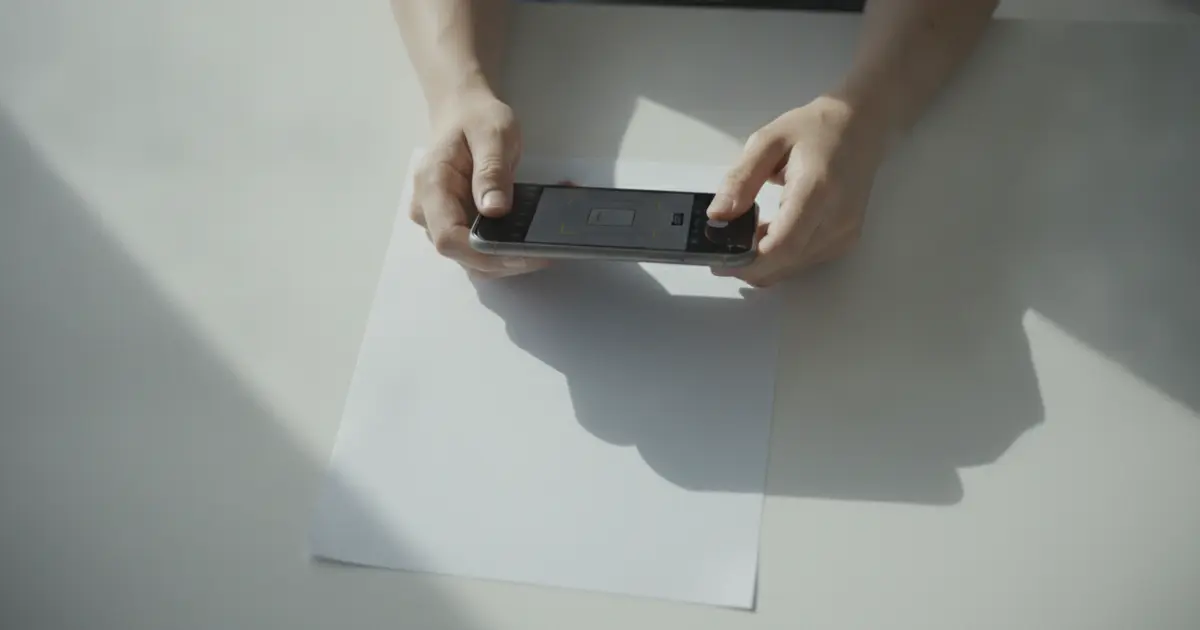 How to Make a Scanned Document Smaller Learn why scanned documents are so large and how to make a scanned document smaller by rescanning with smarter settings or compressing the file afterward.
Questions
Is Scanpaper free?
Yes. The free version scans, cleans up, signs, merges, splits and shares real PDFs, with up to 3 documents in your library and a small "Scanned with Scanpaper" line on exports. Scanpaper Pro removes the limit and the line and adds text recognition, ID card and passport modes, compression, PDF passwords and app lock.
Do I need an account?
No. There's no sign-up and no cloud. Scans are stored on your phone and only leave it when you share them.
Does it work on Android?
Yes. Scanpaper is on the App Store for iPhone and on Google Play for Android.
Can iPhone scan documents without an app?
Yes, the Notes and Files apps have a basic document scanner, and a single photo can be turned into a PDF from the Share sheet. Scanpaper is for when you need more: searchable text, ID cards on one page, signatures, folders and smaller files.
Are the online tools really free?
Yes. Photo to PDF, Merge, Split, Compress and Image to Text run entirely in your browser. Nothing is uploaded, there is no watermark and no sign-up.
Scan it once, keep it forever
Scanpaper finds the page edges, straightens it and saves a clean PDF. Search the text inside, sign, and share. No account, nothing uploaded.