7 min read Scanning
How to Scan a Signed Contract and Send It
Scan a signed contract on iPhone or Android, merge all pages into one PDF, compress for email, and send. Step-by-step with native tools and Scanpaper.
Step-by-step guides to scanning and PDFs on iPhone and Android, from the Scanpaper team.
Scan a signed contract on iPhone or Android, merge all pages into one PDF, compress for email, and send. Step-by-step with native tools and Scanpaper.
Copy text from a picture on iPhone using Live Text, on Android with Google Lens, or from a scanned document using OCR. Step-by-step guide.
How to scan a printed document or hard copy on iPhone and Android. Steps for Notes, Files, Google Drive, plus OCR to make printed text searchable.
Learn how to digitize documents at home using your iPhone or Android. Scan, name, organize, and search your files with no scanner hardware needed.
Edit a PDF on Android with Google Drive, Files by Google, or Scanpaper: annotate, sign, reorder pages, and compress. Free methods, no account needed.
Learn why scanned documents are so large and how to make a scanned document smaller by rescanning with smarter settings or compressing the file afterward.
OCR turns a scan into copyable text, not a Word layout. Here's what you can edit on your phone right now and when you need a desktop tool.
A scanned PDF is a photo. Add a text layer with OCR so you can search, copy, and find text inside it. Free desktop methods and on-device phone options.
No separate Scanner app exists. The scanner is built into Notes, Files, and Camera on iOS 26. Find it, use it, and know where your PDFs save.
Tap the camera icon inside any note, select Scan Documents, and your iPhone scans automatically. How to scan notes on iPhone, export, and share the PDF.
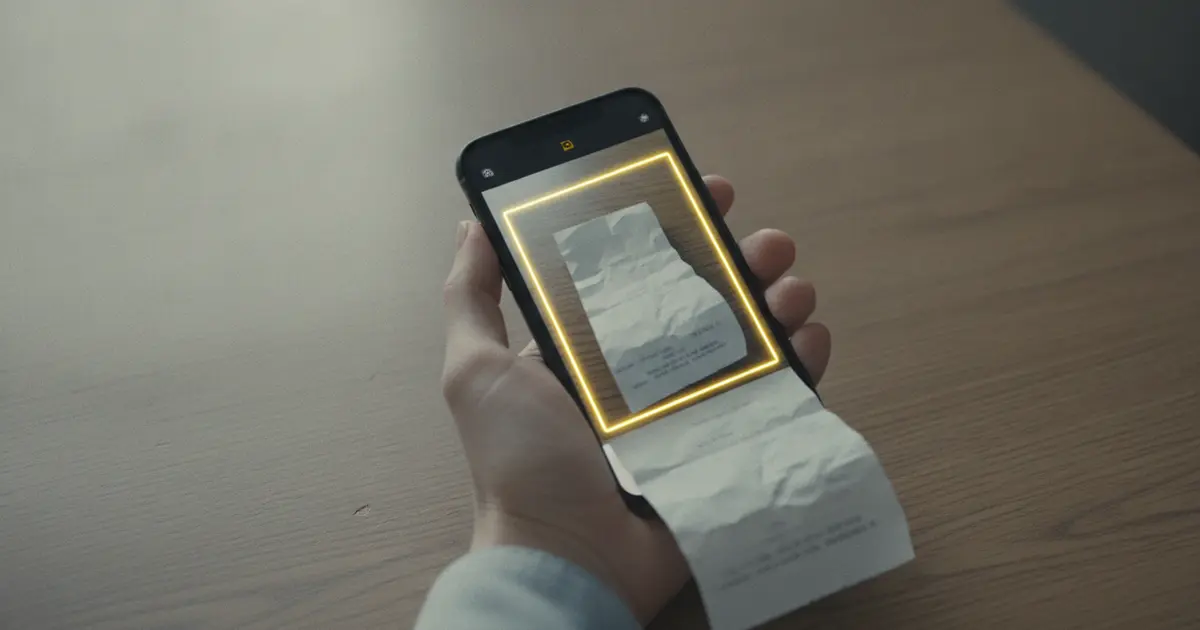
Scan receipts on iPhone or Android using native tools, then combine them into one PDF for expense claims, taxes, or warranty records. No account required.
Convert a PDF to black and white on iPhone, Android, Mac, or Windows. Grayscale vs B&W explained, with file size tips.
Scanpaper finds the page edges, straightens it and saves a clean PDF. Search the text inside, sign, and share. No account, nothing uploaded.