7 min read Scanning
How to Scan a Book Into a PDF on Your Phone
Scan a book into a PDF using your iPhone or Android. Native methods, lighting tips, two-page spreads, and making scans searchable with OCR.
Scan a book into a PDF using your iPhone or Android. Native methods, lighting tips, two-page spreads, and making scans searchable with OCR.
Three ways to compress a PDF on iPhone: the native Files shortcut, a free browser tool, and Scanpaper's scan-quality export. Step-by-step for each.
Annotate, mark up, or extract text from a scanned document on iPhone or Android. Native steps first, OCR explained, and when to use a scanner app.
Step-by-step guide to scanning a document on your iPhone or Android and emailing it as a PDF. No printer needed.
Step-by-step guide to scanning on iPhone and Android using built-in tools, plus when a scanner app handles what native methods skip.
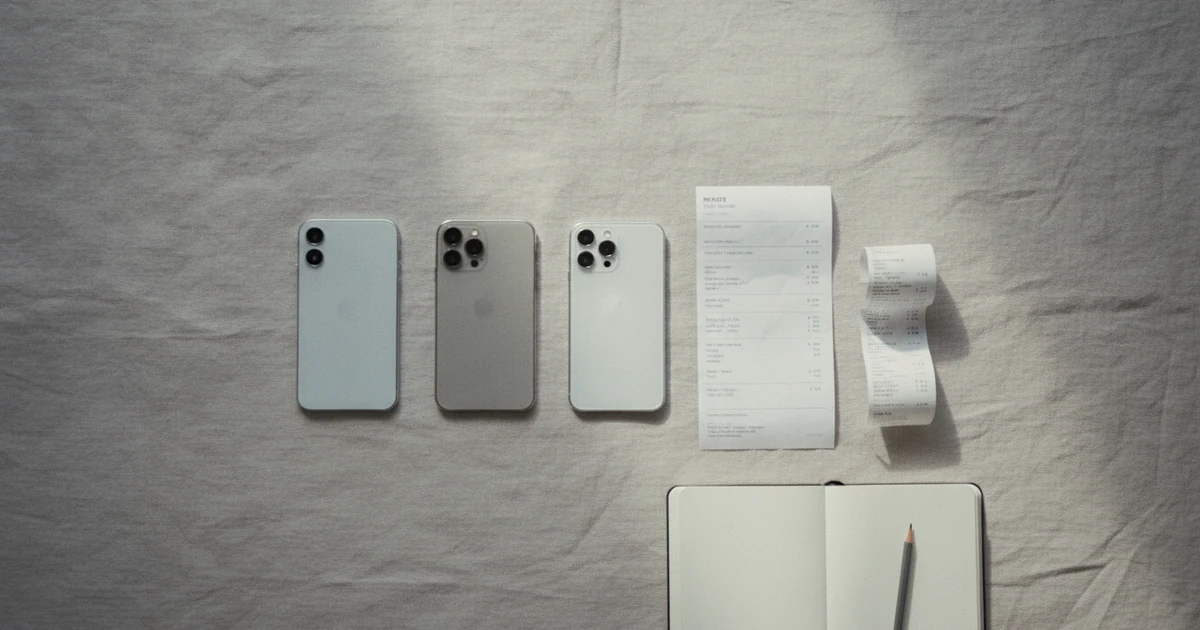
The best PDF scanner app for iPhone depends on the job. 7 options compared from their live App Store listings, plus the free scanner already in Notes.

How to convert a photo to PDF on iPhone with Files, Print, Preview, Shortcuts or an app, plus several photos in one PDF, page order and file size.
Use the iPhone scanner to PDF any paper page: exact steps in Files, Notes and Preview, how edges and filters work, and where the PDF is saved.
How to save a photo as a PDF on iPhone from the Photos app: the Print trick, Preview on iOS 26, Files and Books, where the PDF lands and how to rename it.
How to scan a passport on iPhone for free, put both sides of an ID card on one page, keep the copy legible for forms, and delete copies you don't need.
How to scan multiple pages into one PDF on iPhone: batch capture, fix the page order, add a page you missed, combine two scans and keep the file small.
Scanpaper finds the page edges, straightens it and saves a clean PDF. Search the text inside, sign, and share. No account, nothing uploaded.